











Start from the homepage and open the product page for what you want to buy, then choose a plan. The starting price on the homepage may differ from the total on the product page—use the product page and the price confirmed after you log in.
Follow these steps before you order
- Open the relevant product page
- Choose the purchase period or duration
- Read the plan labels carefully
- Check the auto-renewal setting (off by default)
- Log in, confirm the price, then pay
Open the relevant product page first
On the homepage, open an entry such as ChatGPT, Netflix, YouTube, or Spotify, then choose a plan on the product page.
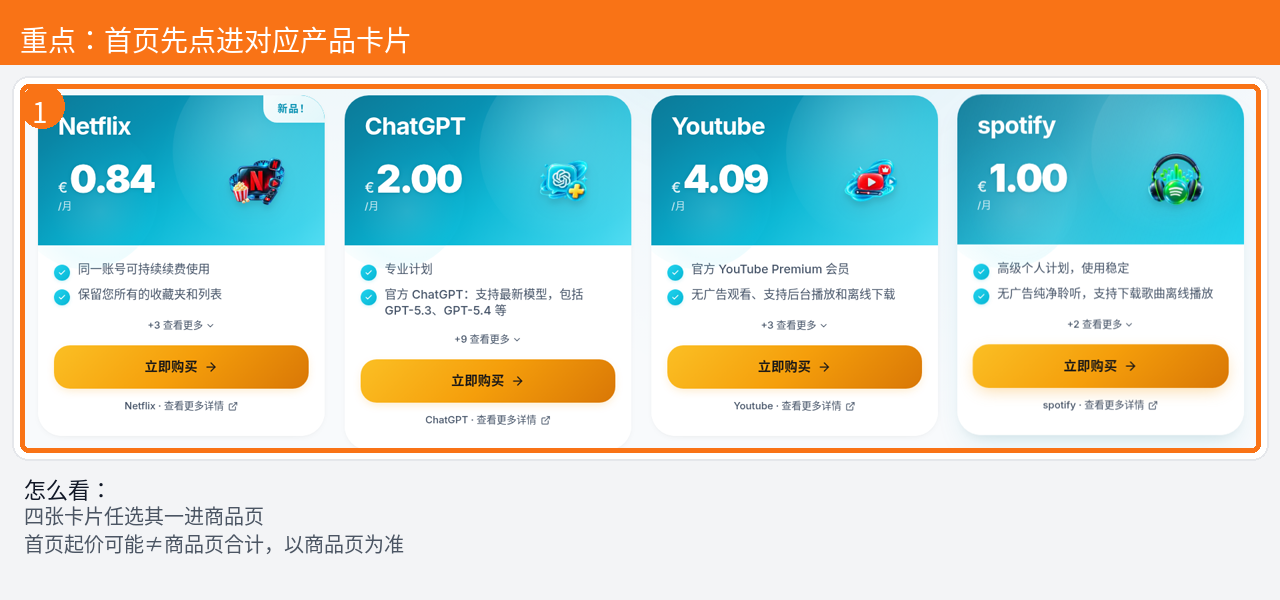
The image above is an example of the product entries on the homepage.
Choose the purchase period
On the product page, select “Purchase period.” Gray, unclickable options mean that combination is currently unavailable. Choose an option you can select instead.
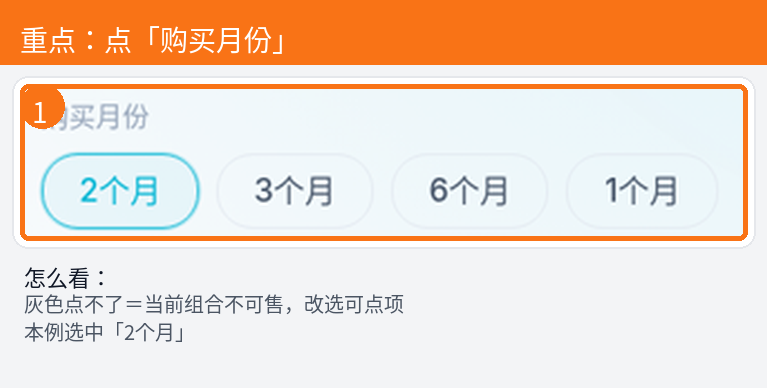
The image above is an example of the purchase-period options.
Read the plan labels carefully
The same product page often shows labels such as “Shared,” “Private,” “Profile,” “Seat,” or “Solo.” Go by the current wording on that page. If a label and its description seem to conflict, stop and double-check, or contact support before you order.
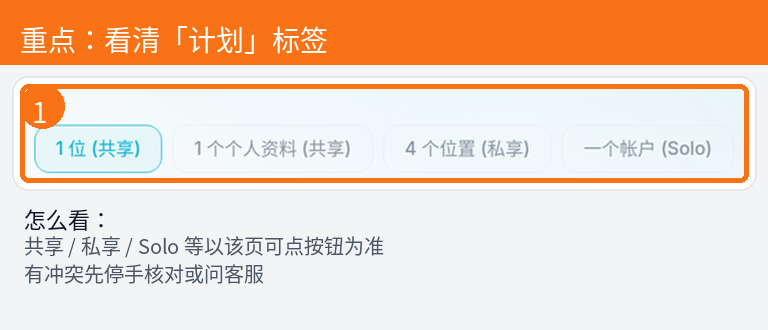
The image above is an example of plan labels.
You may see these options on different product pages. The list below only describes what is commonly visible; it is not a guide for bypassing the provider’s rules. Go by the options you can currently select on the page:
- Netflix: Purchase periods are commonly 1 / 2 / 3 / 6 months; plans may show labels such as “1 user (shared),” “1 profile (shared),” “4 seats (private),” or “One account (Solo).”
- ChatGPT: You may see only 3 months and 1 user (shared). Chat history on a shared account may be visible to other users. The description may say you can sign in and use the account on only one device.
- YouTube: You may see only 12 months; plans may show labels such as “1 profile (shared with five people)” or “5 seats (private).”
- Spotify: Purchase periods are commonly 1 / 2 / 3 / 6 months; plans may show labels such as “5 seats (private)” or “1 profile (shared).”
Below is a comparison example from the ChatGPT product page:
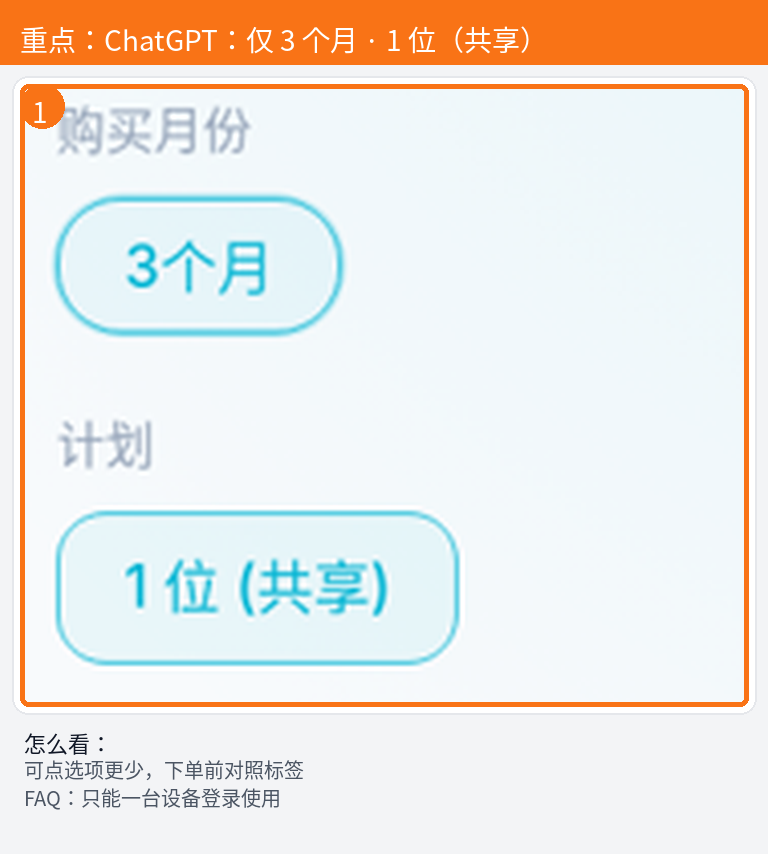
The image above is for comparison only. Available options on the page may change; go by what you see when you open it.
Auto-renewal is off by default
The auto-renewal setting is off by default. Read the on-page details before you turn it on: for the period you selected, the system renews the subscription 5 days before it expires, and payment results are sent to your email. You can cancel after turning it on. See Cancellation & Auto-Renewal for details.
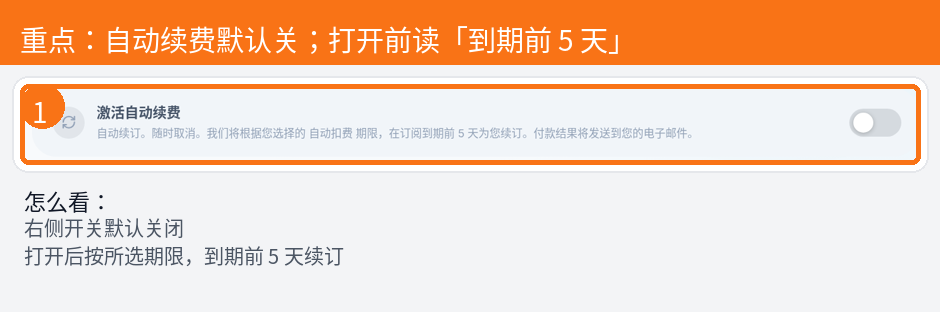
The image above is an example of the auto-renewal details.
Log in, confirm the price, then pay
Check the subtotal, discount, and total in the price section, then select “Join now.” If you’re not logged in, you’ll usually see “Log in to continue.” After you log in, you may need to confirm the price again.
You can be logged in on up to 1 device at a time, and some product pages also say “one device only.” Follow the “Notes” on the product page and in the subscription details. We don’t provide third-party tutorials for bypassing the provider’s rules. See Device and Usage Limits.
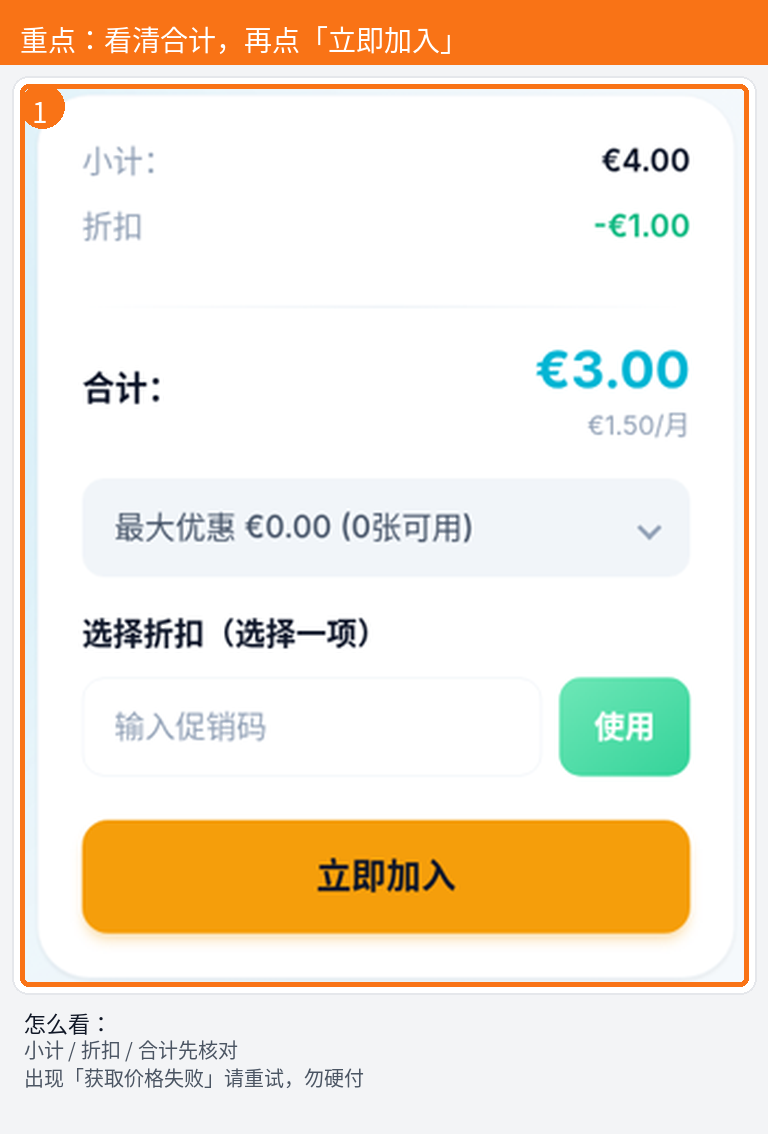
The image above is an example of confirming the price before you pay.
Don’t pay based on the homepage starting price. If you see “Failed to retrieve price,” try again first, and don’t force the payment through. After you log in, confirm the price again.